
Cloudmorrow ships a release most days. Rather than make you read a changelog, I am going to do this every week: a short note on what changed that you would actually notice. This week it was versions 0.86 through 0.93.
You can see where you are
If you use the terminal app for files, the top of the screen now shows the path you are standing in, and every step of it is a link. Click the share's name and you are back at its top. Click "Shares" and you are back at the list. Before this, the way back was the backspace key and nothing else, which is fine when you know and baffling when you don't.
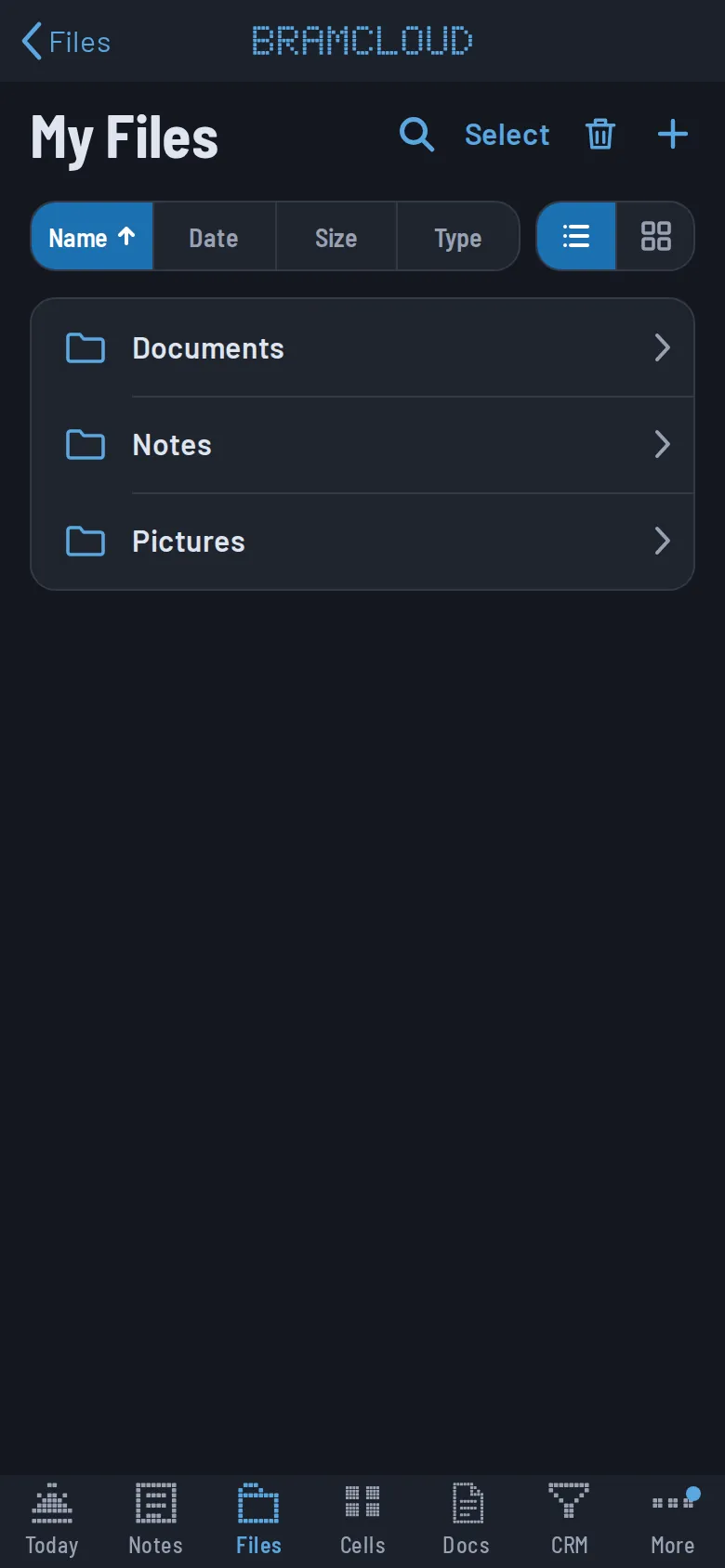
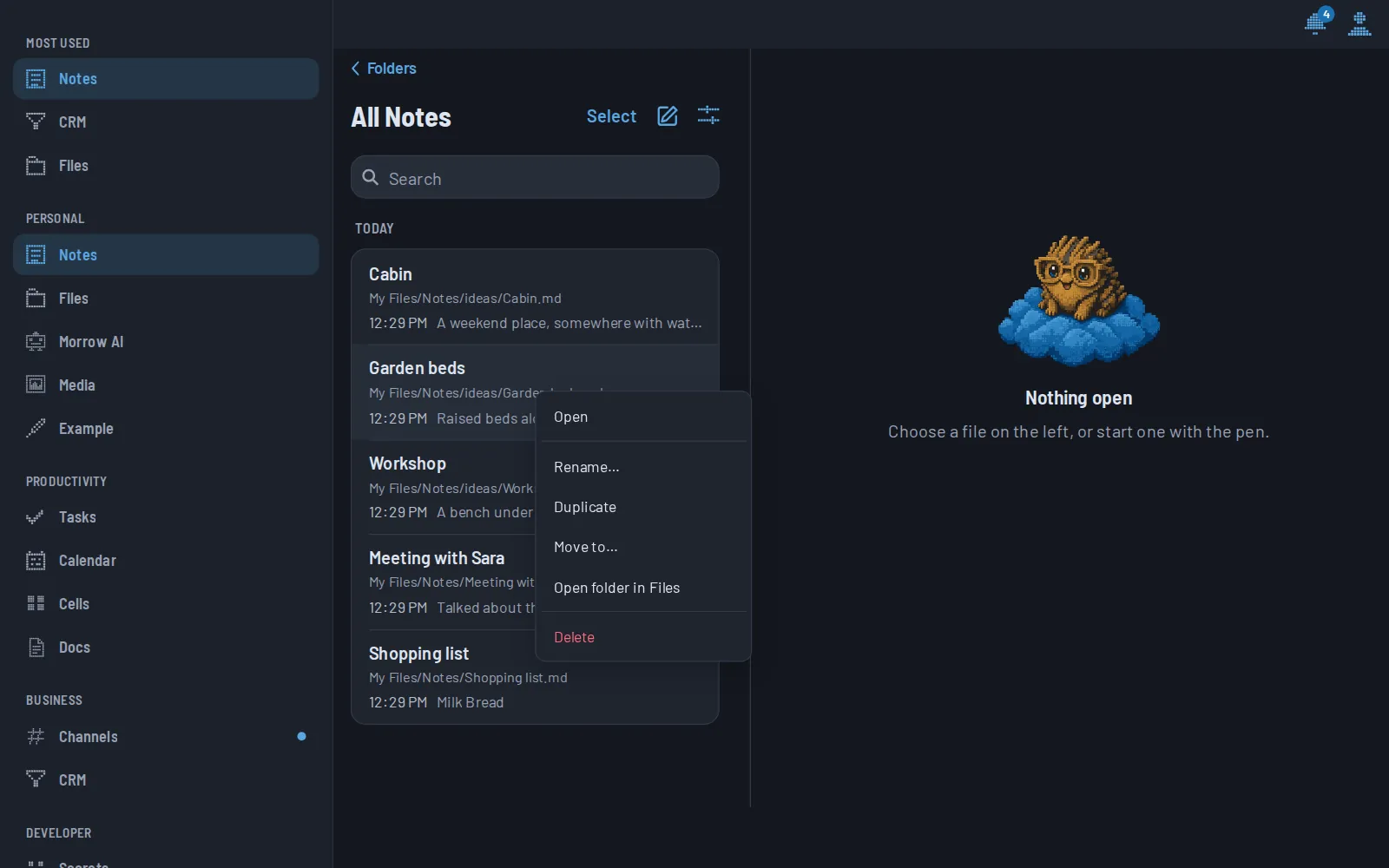
The list of files beside a page, the one Notes, Docs and Cells share, also grew up this week. Right-click a row on a computer, or hold your finger on it on a phone, and you get what you would expect: open, rename, duplicate, move to another folder, delete. There is a Select button for doing it to several at once.
Apps can talk while they work
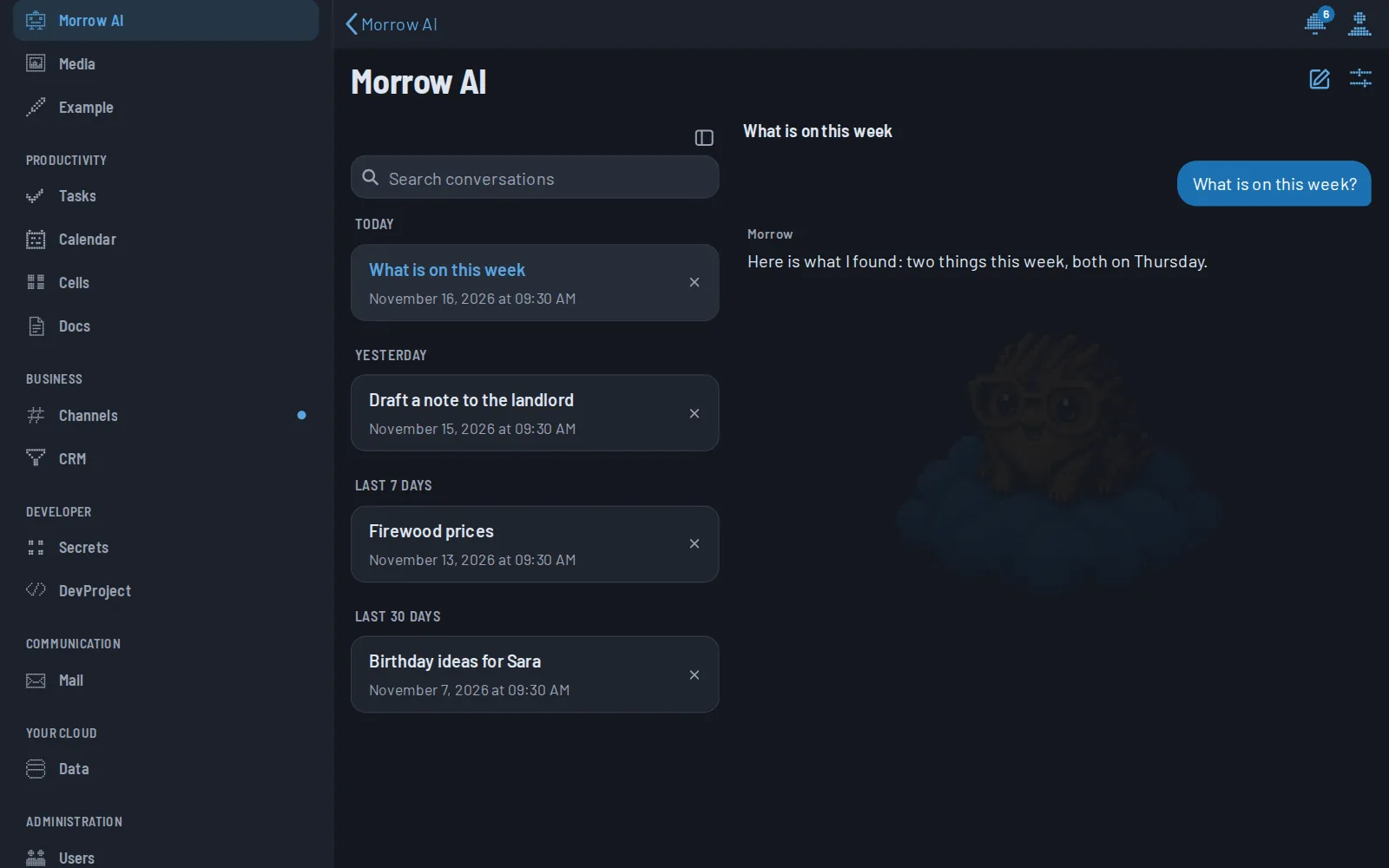
Until now, when you pressed a button in an app that did something slow, you waited, and then it was done. Now an app can report as it goes, and the screen shows it as it comes in. The first thing to use this is Morrow, the assistant that lives inside your cloud: its answers now stream in word by word instead of arriving in one lump after a pause.
The video editor got hands
CutMorrow, the video editor, now lets you drag a clip or a photo straight from your media onto a track on the timeline. Photos are first-class now, not just video. You can place a piece inside the picture, for the small window in the corner. And snapping, which had a habit of drifting by a frame, no longer drifts.
Pictures of everything
The biggest change this week is not a feature. It is that you can now see all of them.
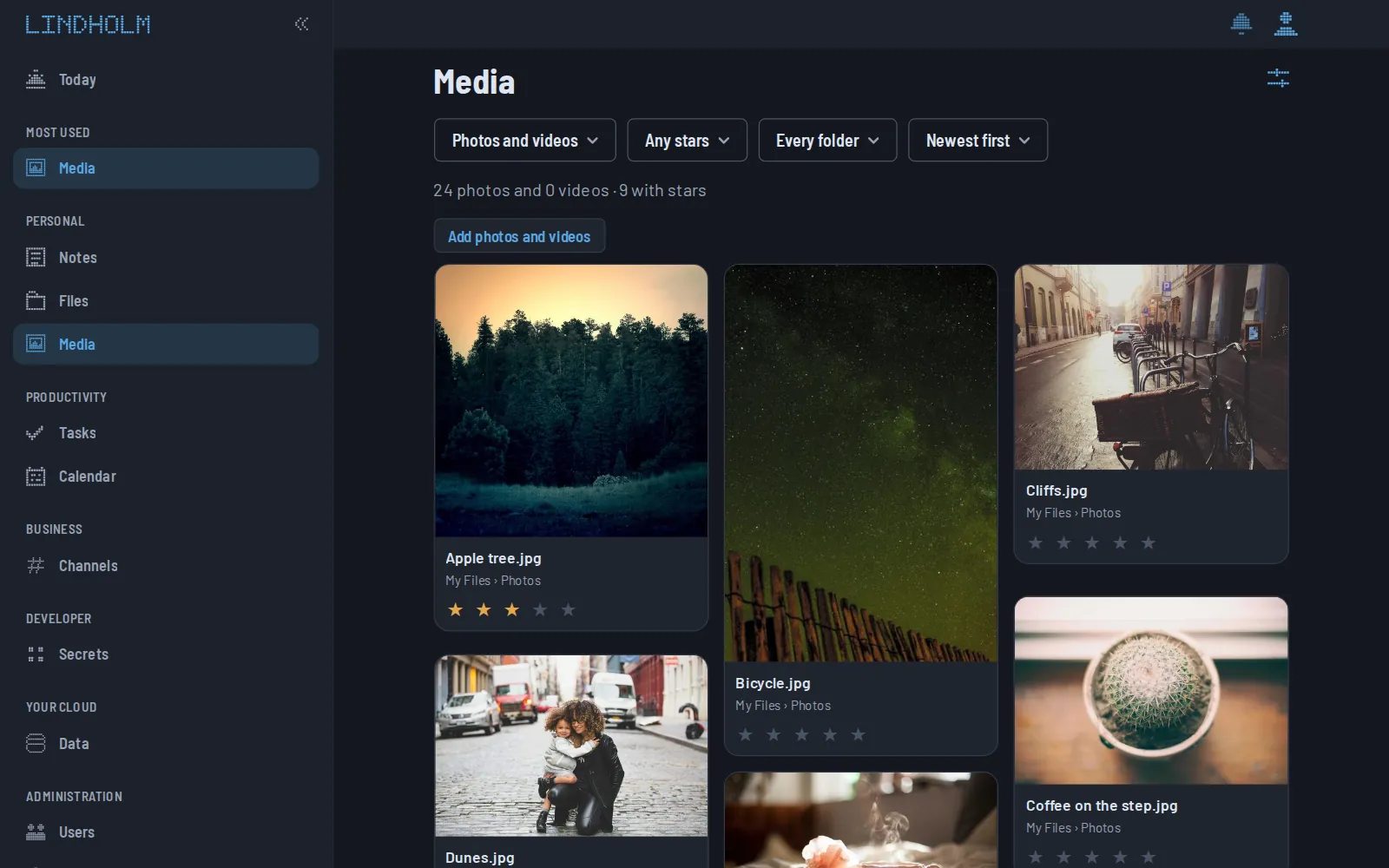
There is a new chapter in the documentation that shows every kind of screen Cloudmorrow can draw, on a phone and in a browser, side by side with the handful of lines that produce it. Thirty-four pictures. If you are wondering whether a list, a board, a calendar or a document is the right shape for the thing you want to build, you can now look instead of guess.
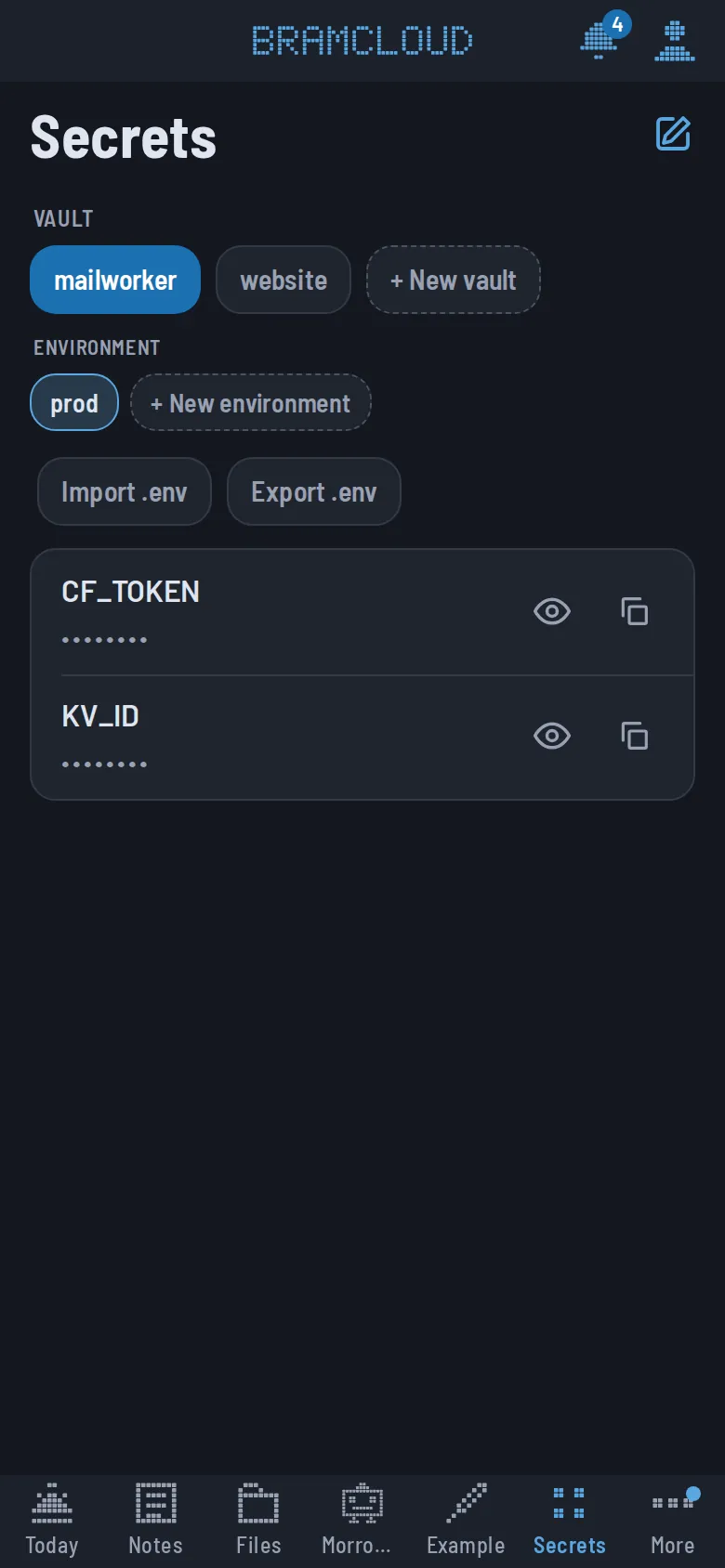
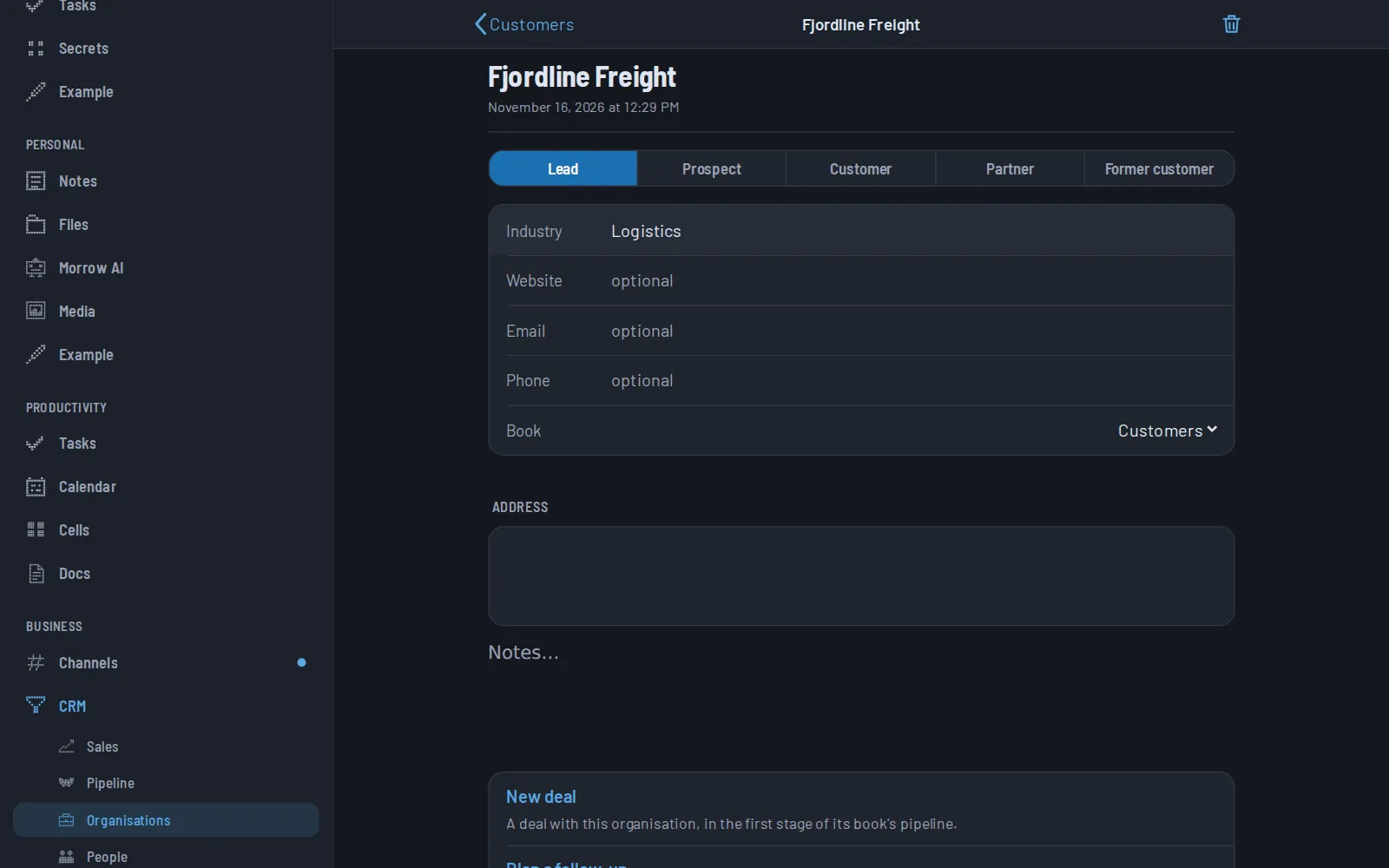
And every app can now carry its own screenshots: each of its screens on the phone, in the browser and in the terminal. The catalog shows them on the app's page and uses the first one as the cover on its card. Media, the photo app, is the first with the full set; the others will follow.
And some housekeeping
Not in any release, but new this week on GitHub: a contributing guide that says how to help, a security policy with a private way to report a hole, a code of conduct, and Discussions, where there is a thread waiting for the first app somebody else builds.
Every release is a tag and a GitHub Release. A server picks up the newest with one command, cloudmorrow-update.
By Jimmi Bram. Something wrong? The posts are files; a pull request fixes it.